
The Action Center: Front Desk Volunteer Updates
Welcome to the Front Desk Information Page. Here you will find program updates and reminders.
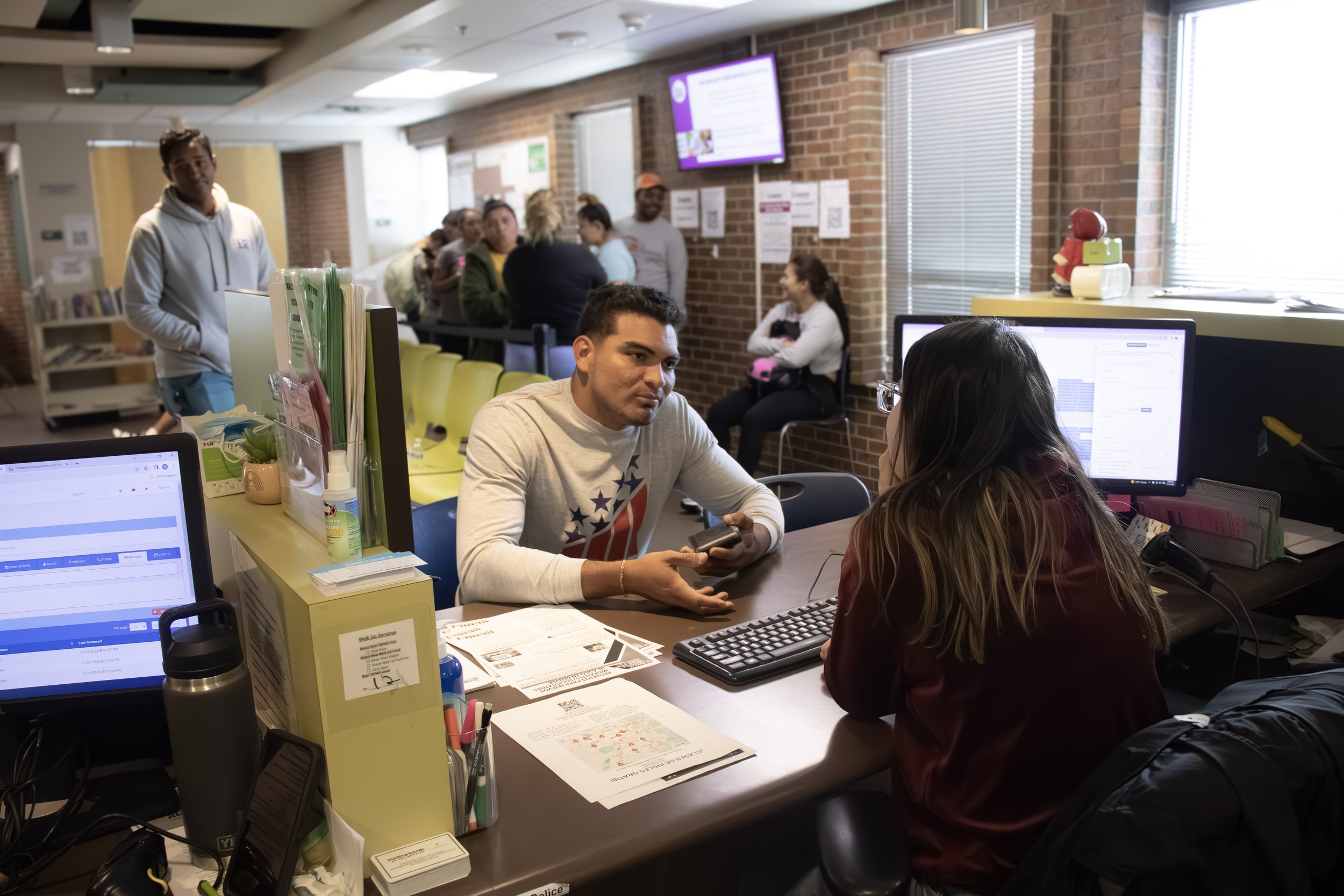
Connecting Community
For those assisting at the front desk, please continue completing interest forms on the website on behalf of community members when appropriate. Forms are located under the “How We Help” dropdown menu.
Start with a Conversation Form
Start with a Conversation, which is designed to empower individuals with the tools and knowledge they need to build a stronger financial future. These personalized conversations focus on financial stability and may include:
Employment opportunities
Workforce development programs
Benefits enrollment
Budgeting and financial planning
Saving strategies
Connections to community resources
If you are unsure which form to complete but believe we may be able to support someone, please use the Financial Health Conversation form. A Supportive Services staff member will follow up by phone, text, or email within two business days.
PEAK Benefits Assistance Form
This form provides assistance with completing applications for all state benefits available through PEAK Colorado. For a full list of supported programs, please navigate to the Benefits Assistance page.
Xcel Energy Assistance Consultations
Appointment slots open each Wednesday at 10:00 a.m.
Community members currently disconnected from Xcel gas and/or electric service may connect with Supportive Services for potential same-day assistance.
Emergency Rental Assistance
For community members needing emergency rental assistance, please refer them to the Colorado Division of Housing Emergency Rental Assistance Program:
https://doh.colorado.gov/emergency-rental-assistance
This program provides assistance for Coloradans who have fallen behind on rent, meet income requirements, and are at risk of eviction or displacement.
For all other rental assistance needs, please refer community members to Colorado United Way 211. Many online resource guides are outdated or contain incorrect information, while 211 maintains the most current and comprehensive list of rental assistance resources.
Additional Community Resources
If a needed resource is not available through the Action Center, please connect individuals with United Way 211 Colorado for additional support and referrals.
United Way 211 Colorado connects individuals and families to essential community resources across the state. They provide free, confidential information and referrals 24/7 and help people navigate services such as:
Housing
Food
Utility assistance
Healthcare
Mental health support
Their resource navigation database is regularly updated to ensure information about programs, eligibility, and availability remains current.
Contact United Way 211 Colorado:
Dial 2-1-1 - Call (866) 760-6489 (toll-free) - Text your ZIP Code to 898-211
Weekly Updates
Holiday Gift Card Waitlist link: Holiday Gift Card Waitlist FY27 – Fill out form
https://TheActionCenterSpecialEvents.as.me/Holidaygiftcard - Link to Register
This year, Front Desk staff and volunteers will help register families for our Holiday Gift Card Program.
Registration will take place October 1–23, 2026.
Below is a step-by-step guide to help ensure we all follow the same process and provide a consistent experience for our community members.
Handouts with the registration steps are available at the Front Desk, and staff are available to provide training and answer questions about the process.
Holiday Gift Registration Process – Step by Step
Step 1: Verify the Children in Link2Feed
Review the children listed on the community member’s Link2Feed profile.
Do not add children to the profile.
Step 2: Count Eligible Children
Determine how many children are in each age group:
0–10 years old
11–17 years old
Step 3: Add a Note to Link2Feed
Add a note to the community member’s profile showing the number of children registered and the date.
Example:
3 kids registered for Holiday Gift Program AC/Sunny– 09/14/2026
Step 4: Complete the Registration in Acuity
Go to the Acuity registration link to complete the Holiday Gift Program registration.
You will:
Complete the registration form.
Answer all required questions.
Schedule the family’s gift card pickup appointment.
Important: Make sure the information entered in Acuity matches what you verified in Link2Feed.
Eligibility Requirement
To register for the Holiday Gift Card Program, families must have received services from The Action Center within the last year.
Checking a Family’s Service History
Please note: Not all services may appear in Link2Feed based on the functions and access available to volunteers.
If a family states that they have received services from The Action Center, do not assume they are ineligible if you cannot see a service listed.
Instead:
Let the family know you will have a staff member confirm their service history.
Ask an Immediate Needs staff member to review the family’s Link2Feed profile.
The staff member will confirm whether the family has received services within the last year and assist with next steps.
Continue supporting the family with the registration process as directed by staff.
9-4-2026
The Action Center will be closed on the following dates for staff development/training:
September 18 (afternoon shift only) 11:30 - 3:30
October 2 (all day) 9:00 - 3:30